Mobile Account Access
GOGO88 Login should be easy to use from a current mobile browser, with readable fields and clearly placed buttons. On smaller screens, users should still take time to confirm the web address before entering private details.
 Register
GOGO88 Login helps registered users enter their account area to view profile settings, check wallet information, explore available promotions, and continue on a mobile device. This guide covers a careful sign-in routine, useful checks after access, password recovery steps, and practical ways for users in Malaysia to keep account details private.
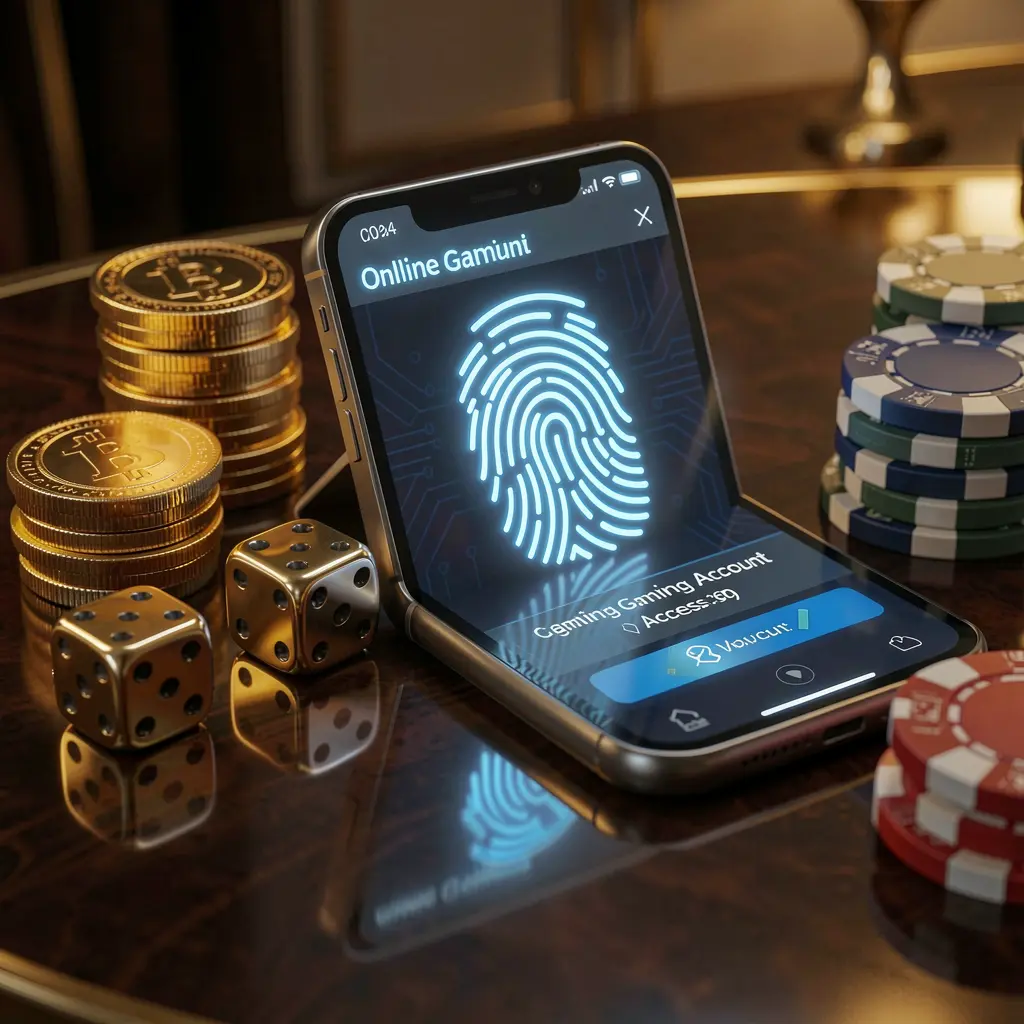
The GOGO88 Login page is the account entry point for registered users who need to open their dashboard, review profile information, check wallet records, or access platform features. Signing in carefully helps protect personal details and keeps account management more organised.
Before entering a username, phone number, password, or verification code, confirm that the page is the official GOGO88 access route. Avoid unfamiliar links from social posts, private messages, copied websites, or unverified advertisements that may imitate a normal login screen.
Users in Malaysia should use any gaming-related service with awareness of applicable local rules and personal limits. Account access is best handled as a private management task, with spending decisions kept measured, affordable, and under the user's control.
A consistent GOGO88 login routine can reduce typing errors, accidental access through copied pages, and unnecessary verification delays. Use a trusted route each time, enter details slowly, and review the account area before taking further action.
Open GOGO88 through its official website or a bookmark you created yourself. Do not rely on links sent by unknown contacts, unofficial support profiles, or messages that pressure you to sign in quickly.
Provide the phone number, email address, username, or other detail linked to registration. Check spelling, country code, keyboard settings, and browser autofill before submitting, especially when using a new phone.
Enter your password only on the verified login form. If a code or security prompt appears, use it for your own session and do not share codes, reset links, or screenshots.
Once logged in, review the dashboard, profile details, wallet display, recent activity, and notices. If you see unfamiliar information, pause account activity and use the official support channel for guidance.
GOGO88 Login should be easy to use from a current mobile browser, with readable fields and clearly placed buttons. On smaller screens, users should still take time to confirm the web address before entering private details.
Users who cannot remember a password should look for the official recovery option rather than repeatedly guessing. Recovery should be completed through the registered contact detail and never through an unverified third party.
After login, the dashboard can help users locate profile settings, account notices, wallet areas, and promotion information. Reviewing these sections regularly can make it easier to spot outdated contact details or unfamiliar activity.
A private device offers better protection than a borrowed phone or public computer. Log out when a session ends, avoid saving credentials on shared devices, and keep the phone screen locked when not in use.
Login difficulties can happen because of incorrect details, unstable connections, expired codes, saved browser data, or a changed device. Work through one issue at a time and avoid repeated password attempts that may trigger extra security checks.
Check whether you registered with a phone number, email, or username, then verify the spelling and password case. Use the official reset process if needed instead of trying multiple uncertain passwords.
Check your network signal, SMS filters, email spam folder, and the registered contact information. Wait briefly before requesting another code, as frequent requests may delay the process further.
Refresh the browser, test a different connection, clear outdated cache, or use another updated browser. If redirects look unusual or request unexpected information, close the page and return through a trusted route.
A new phone, cleared browser, or updated app may require another security step. Follow prompts only on the official GOGO88 page and do not download unverified files to solve access problems.
Account login information can provide access to private profile details, wallet records, and activity history. Treat passwords and verification codes as confidential, use a secure personal device where possible, and avoid sending sensitive account material through chat messages.
GOGO88 access should be used by adults who understand the risks associated with gambling-style entertainment. It is important to follow applicable local requirements, avoid chasing losses, and stop if activity causes stress, financial pressure, secrecy, or difficulty maintaining personal limits.
Find straightforward answers about GOGO88 Login, mobile sign-in, password recovery, verification checks, account privacy, and responsible use in Malaysia.
GOGO88 Login is the account sign-in area for registered users who want to access profile settings, wallet information, account notices, promotions, and other available platform sections.
Use the official GOGO88 website or your own trusted bookmark, check the address before entering details, and never share your password, OTP, or reset link with unofficial contacts.
GOGO88 Login can be accessed through a suitable mobile browser. Use an updated browser, a secure connection, and a private device whenever possible for better account protection.
Use the official password recovery option and follow the instructions connected to your registered contact details. Avoid repeated password guesses or sending account information to private agents.
Check your profile details, wallet records, recent activity, account notices, and promotion information. If anything appears unfamiliar, stop before making account changes and contact official support.